Glowing Lines - Reigo80
 Posted: Tue Nov 20, 2007 8:07 pm
This is a small tutorial for a kind of glowing line effect that I thought was a pretty cool (made in GIMP). Final product...
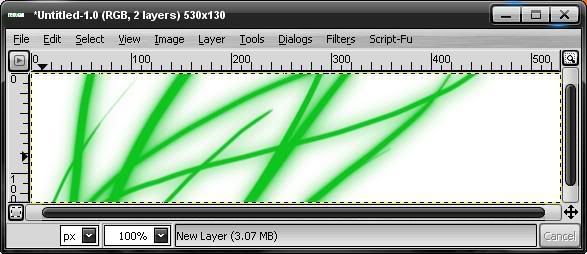
1.Create a new document im GIMP with a white background, I made mine 530, 130.
2. Create a new transparent layer and then brush some lines on it in a colour of your choosing, I chose green. Results so far..
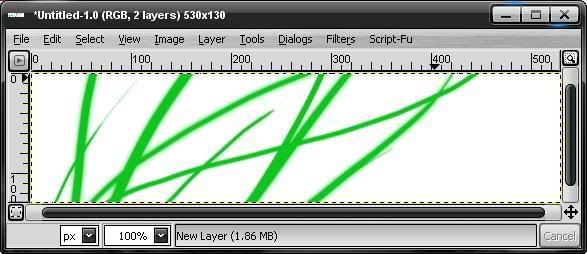
3. Then, with that layer, go filters>blur>gaussian blur. Make the blur horizontal = 20 and vertical = 20 (You can choose a different size to suit youre preferences). Results so far..
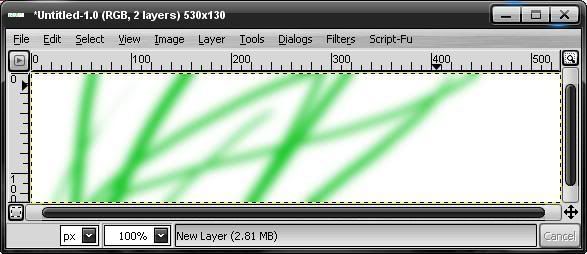
4. After that, create a new transparent layer and on that layer, brush some more lines right ontop of your gaussian blur. Results so far..
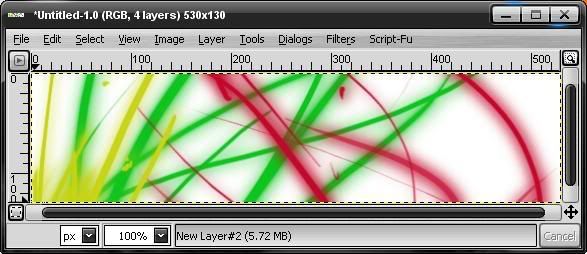
And there you have it, a cool way to give ordinary lines a glowing effect. If you do enough of them it could end up like this..
Have fun ;D
Reigo80.
1.Create a new document im GIMP with a white background, I made mine 530, 130.
2. Create a new transparent layer and then brush some lines on it in a colour of your choosing, I chose green. Results so far..
3. Then, with that layer, go filters>blur>gaussian blur. Make the blur horizontal = 20 and vertical = 20 (You can choose a different size to suit youre preferences). Results so far..
4. After that, create a new transparent layer and on that layer, brush some more lines right ontop of your gaussian blur. Results so far..
And there you have it, a cool way to give ordinary lines a glowing effect. If you do enough of them it could end up like this..
Have fun ;D
Reigo80.
